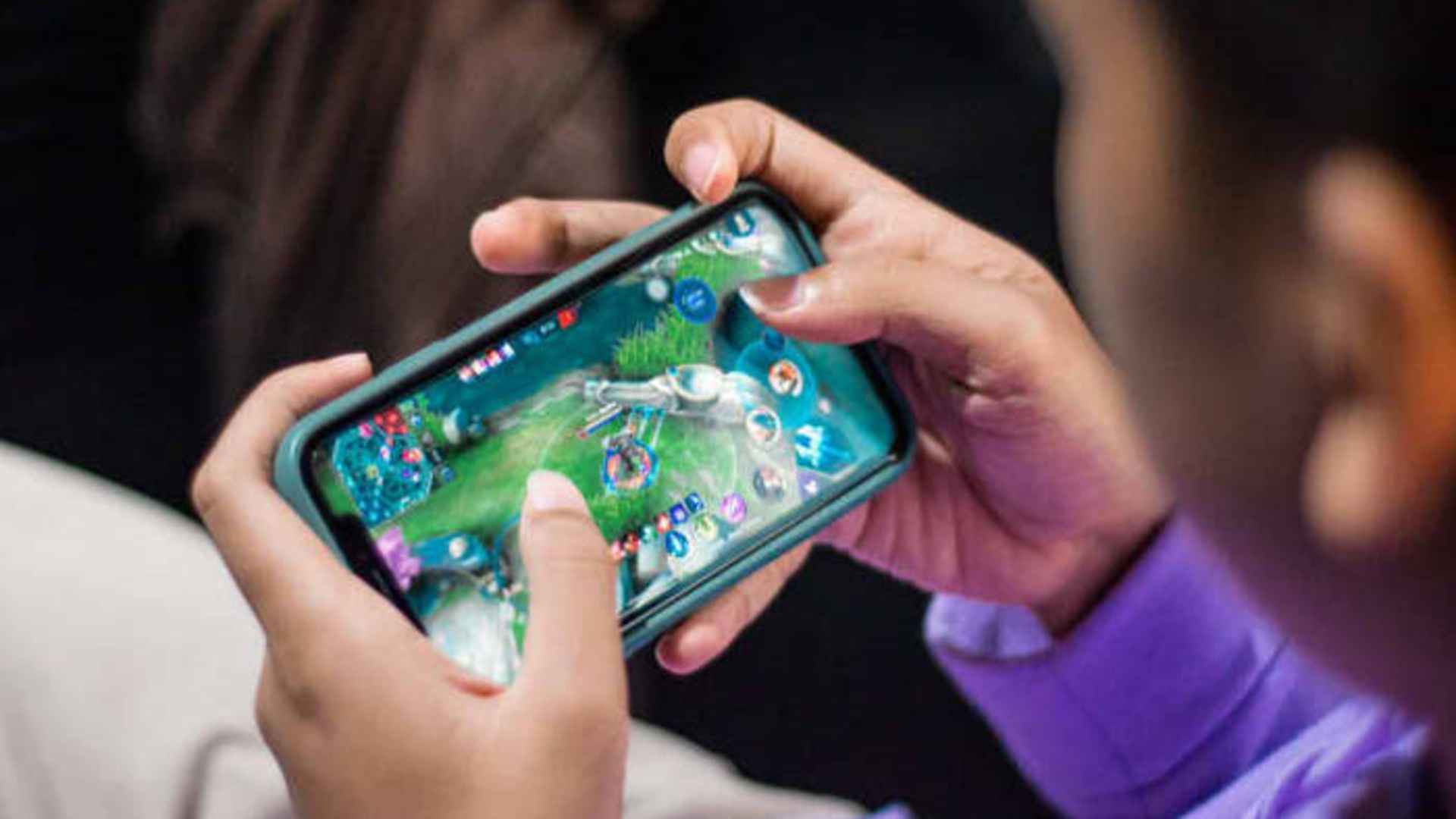
Sky: Children of the Light is widely known for its soothing atmosphere, social exploration, and focus on collaborative gameplay. Many new and returning players wonder if they can explore its beautiful realms alongside friends playing on different gaming devices. Fortunately, the game provides robust cross-platform multiplayer capabilities that allow players across various systems to connect seamlessly.
Understanding Cross-Platform Compatibility
Sky: Children of the Light supports full cross-platform compatibility across mobile devices, consoles, and PC. Whether you are playing on iOS, Android, Nintendo Switch, PlayStation, or Steam, you share the exact same online universe. This unified structure ensures that no player is isolated based on their chosen hardware preference.
Because the developers designed the experience around social connection, maintaining feature parity across platforms remains a top priority. Updates are typically released simultaneously, ensuring that players on different devices can always explore new seasonal events together without version mismatches.
How Cross-Progression and Linking Work
To enjoy smooth cross-platform play, linking your game account to a central login system is essential. By attaching your Sky profile to a universal service such as a Nintendo Account, PlayStation Network, or Steam account, your progress syncs automatically across devices. This feature allows you to switch from playing on mobile while traveling to playing on a console at home seamlessly.
Setting up account binding early also prevents accidental loss of game save data. Navigating the account settings menu inside the game provides clear options to attach multiple third-party accounts safely.
Connecting with Friends Across Different Platforms
Adding friends who play on other hardware is straightforward thanks to the in-game Sky ID system. Instead of relying on console-specific friend lists, you can generate a unique invite code or QR code to share directly with companions. Once accepted, your friend will appear permanently in your friendship constellation regardless of their platform.
After connecting through the constellation, you can join your friend's active session at any time with a simple click. Holding hands, sharing light, and chatting become instant options, making group travel across realms effortless and intuitive.
Performance and Communication Considerations
While the multiplayer experience remains unified, visual output and controls can vary depending on your chosen device. High-end consoles and PCs deliver smooth framerates and enhanced graphics, whereas mobile devices prioritize portability and touch interfaces. Despite these hardware differences, the core gameplay mechanics remain identical across all versions.
In-game communication relies primarily on visual gestures and unlocked text chat features. Text chat works universally across platforms, though console players may prefer attaching a keyboard or using companion apps for faster typing during group conversations.